
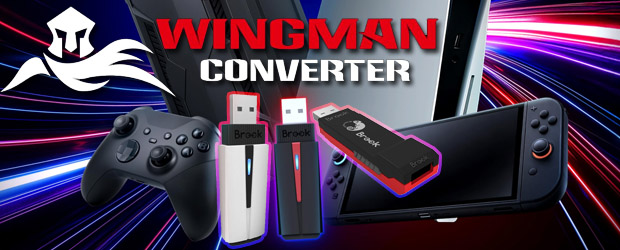
Switch to:
The Brook Wingman Converter series lets you play Halo on PlayStation with an Xbox controller or Super Mario on Nintendo Switch with a DualSense.
Five years ago, we went hands-on with the then-current XB (Xbox), XE (PlayStation) and NS (Nintendo Switch) models in the Brook Wingman Converter series. Brook has released numerous new iterations of these controller adapters, including the Wingman XB 3 with native Xbox Series X|S support and the Wingman XE 2 which pairs with PlayStation and Nintendo Switch consoles. In this piece, however, we are examining three different Brook adapters: the Wingman NS Lite (released in 2023) and the current PlayStation models, the P5 (released earlier this year) and the P5s (currently only available in the USA).
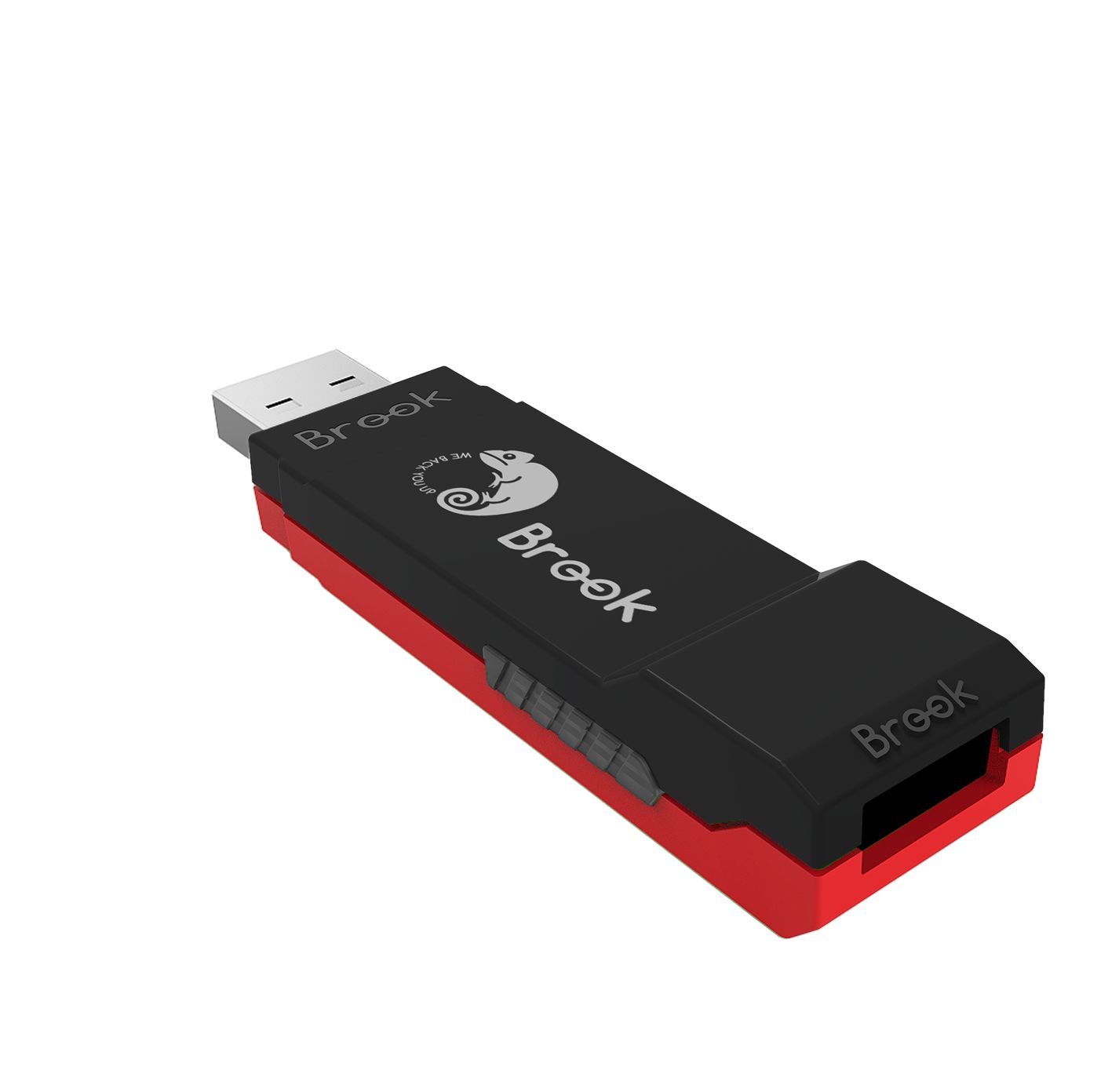 The Wingman NS Lite (retailing for around €30/£22/$40) is the successor to the Wingman NS. In its red-and-black casing it looks nearly identical, though the Brook logo is now white instead of gold and its feature set is also pretty similar. The adapter is compatible with Nintendo Switch, Nintendo Switch 2 and PC. Unlike its predecessor, the Wingman NS Lite now supports Xbox Series X|S, Xbox Elite 2 and Xbox One S controllers wirelessly—a massive improvement. This allows you to connect an Xbox controller to your Switch 1 or 2 in handheld mode at any time via the NS Lite using the included short (15 cm), angled USB-C to USB-A cable.
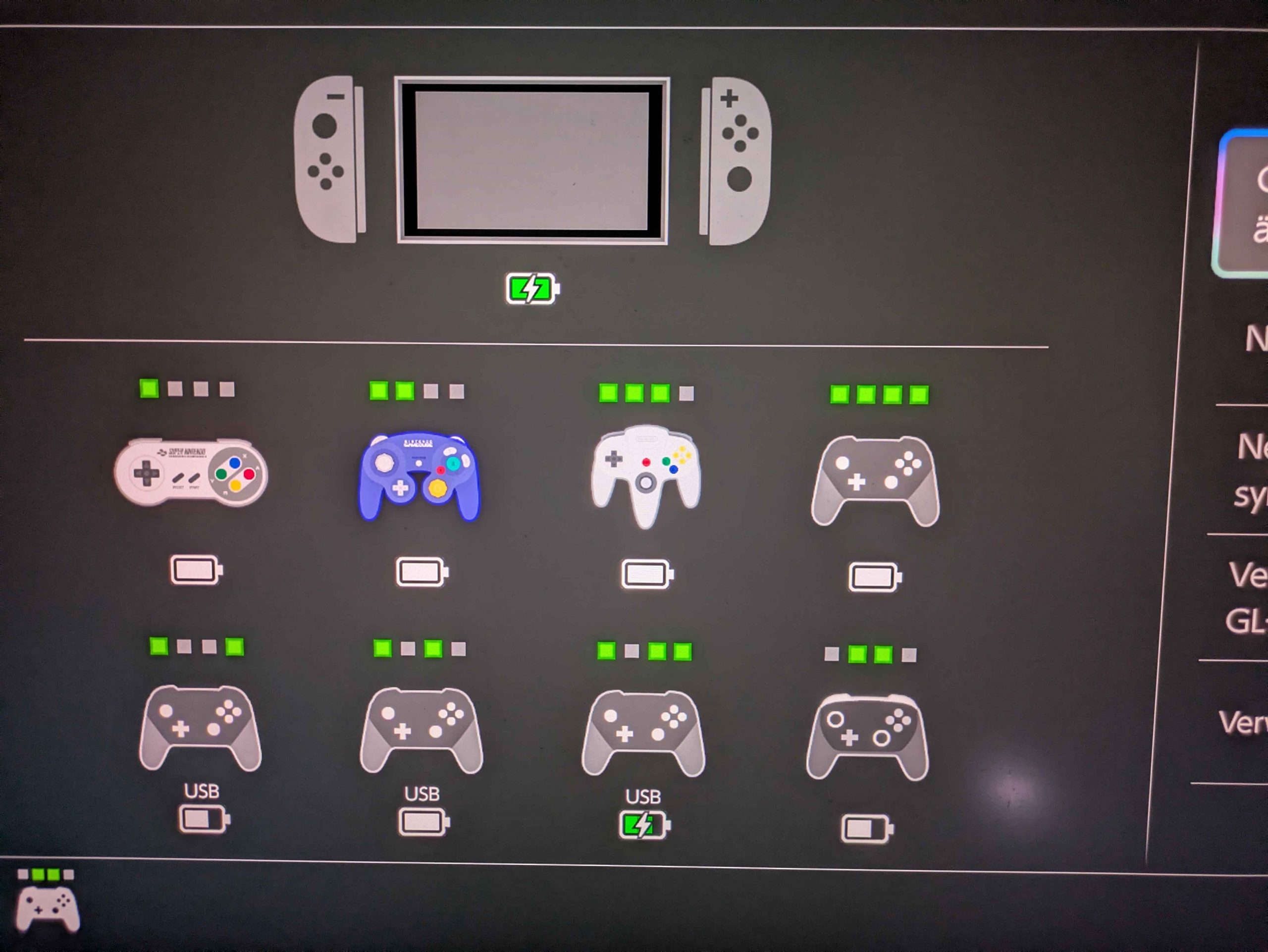
Since the Nintendo Switch 2 itself features two USB-C ports, we attempted to connect two Wingman adapters to the console simultaneously. As soon as you plug in a second adapter, the first one is deactivated in handheld mode. Fortunately, the situation is different in docked mode: here, we can operate all three adapters simultaneously, making it pretty easy to connect up to eight controllers. Now it’s up to Nintendo to expand the Change Grip/Order screen to eight slots to simplify input device management and it’s up to game developers to provide support for up to eight controllers. While the SEGA Ages version of Virtua Racing supports 8-player split-screen, it requires the corresponding number of Joy-Cons. However, with titles like Pico Park, Mario Strikers and—obviously—Super Smash Bros. Ultimate at least a small selection of Switch games are suitable for larger local multiplayer sessions.
In addition to rumble, the PS4’s DualShock 4 and the PS5’s DualSense also support the Nintendo Switch’s gyroscope functionality, allowing us to play games like Mario Kart World using motion controls. This isn’t possible with the DualShock 3, likely because its built-in Sixaxis technology operates in a different way. Incidentally, when using the Wingman P5 or Wingman P5s, the official PS3 controller’s rumble only works wirelessly with the PS5, eliminating the need for the long-outdated mini-USB cable – you’ll still need it to sync, just like with the Xbox controllers.
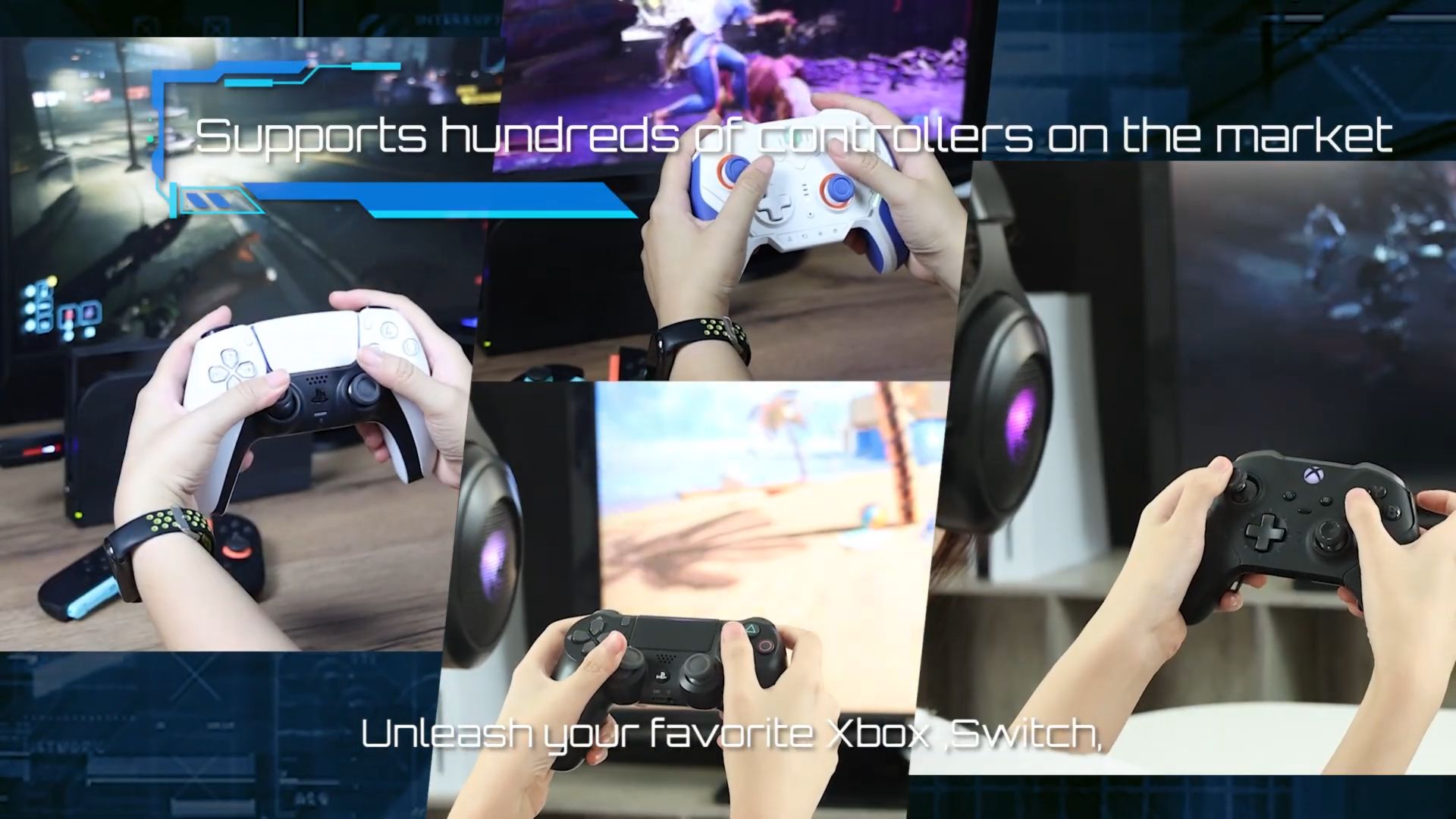
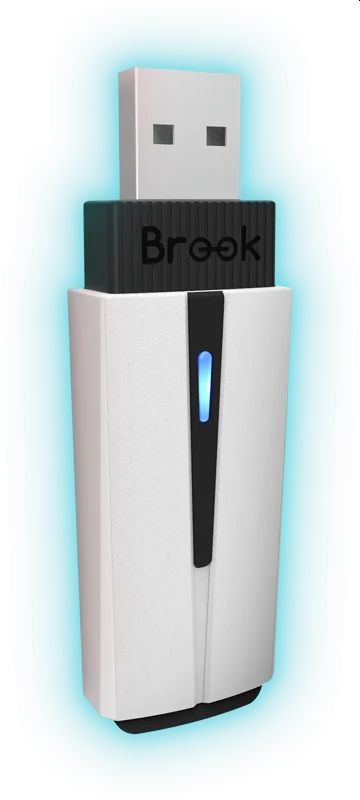
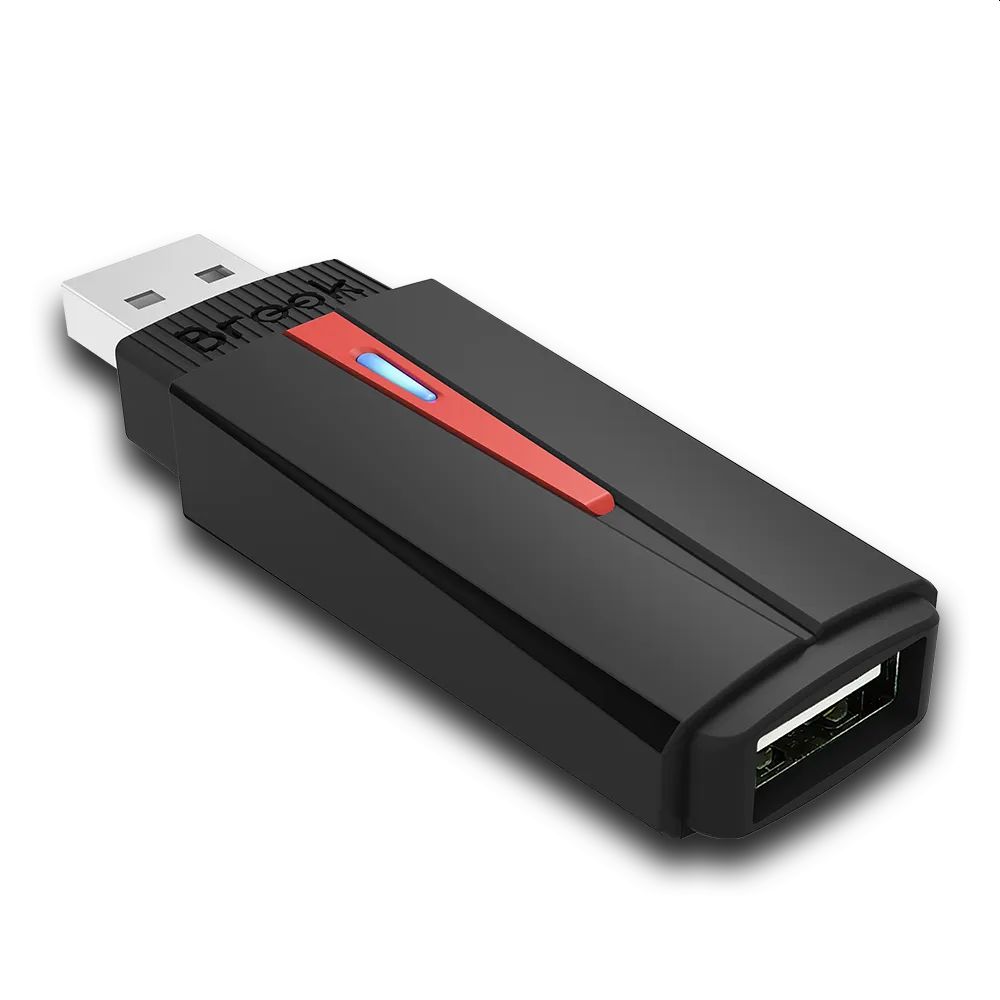 The Wingman P5 (available for around €77/£67/$75) targets PlayStation gamers, as it is supported by PS5 and PS4 consoles as well as PCs. The latest iteration is called Wingman P5s (approx. $80) and it’s currently available exclusively in the USA. While the P5 is slightly shorter than the previous Wingman models for other systems—and its black-and-white look matches the standard PS5 perfectly—, the P5s opts for a black-and-red color scheme (just like the NS Lite) while retaining the P5’s shortened design. Unlike the P5, the P5s can also connect to the Nintendo Switches in addition to PS5, PS4 and PC. The P5s thus combines the compatibility features of the NS Lite and P5 models. With the Wingman P5s, you can easily use a modern Xbox controller—we tested the Xbox Series X|S and Xbox One Bluetooth models—on your Switch 2 and PS5, just as you would with your PC or Xbox.
 Using the Wingman P5(s) to play PS5 games can lead to major issues. For one, every controller other than the DualSense doesn’t support the PS5-exclusive haptic feedback; consequently, the controllers may rumble incessantly—making many games unenjoyable—until you manually disable it in the PS5 system settings. However, the true deal-breaker is that some games—particularly first-party titles like Astro Bot and Saros—simply can’t be played without being able to use adaptive triggers. Furthermore, since the Xbox controller lacks gyroscope support, it’s impossible to play titles like thatgamecompany’s masterpiece Flower (PS4). However, most multiplatform games shouldn’t give you issues, since at least the DualSense’s touchpad buttons can be simulated using button combinations—though swiping across the touchpad, understandably, cannot.

We were denied in trying to use our Nintendo GameCube controllers to enjoy a few laps on the Nordschleife in Gran Turismo 7 with a Ferrari F50. The GameCube controller is the only official Nintendo controller to feature analog triggers, allowing to precisely manage throttle and brake in Grid Autosport on Nintendo Switch. Whether we used the new Switch 2 version or an original NGC controller via the Wii U USB adapter, it’s just not supported by the Wingman P5(s). We also strongly advise against using other Classic Switch controllers that mimic the Super Nintendo and Nintendo 64 pads. The SNES controller is simply lacking an sufficient amount of buttons (and, crucially, analog sticks), while the N64 controller suffers from a constantly spinning right stick (simulated by the C-buttons). Consequently, playing Astro Bot with an N64 controller remains an unfulfilled dream for 3D platformer fans—partly due to the camera constantly rotating and also because levels like the Uncharted stage are impossible to complete without adaptive triggers.
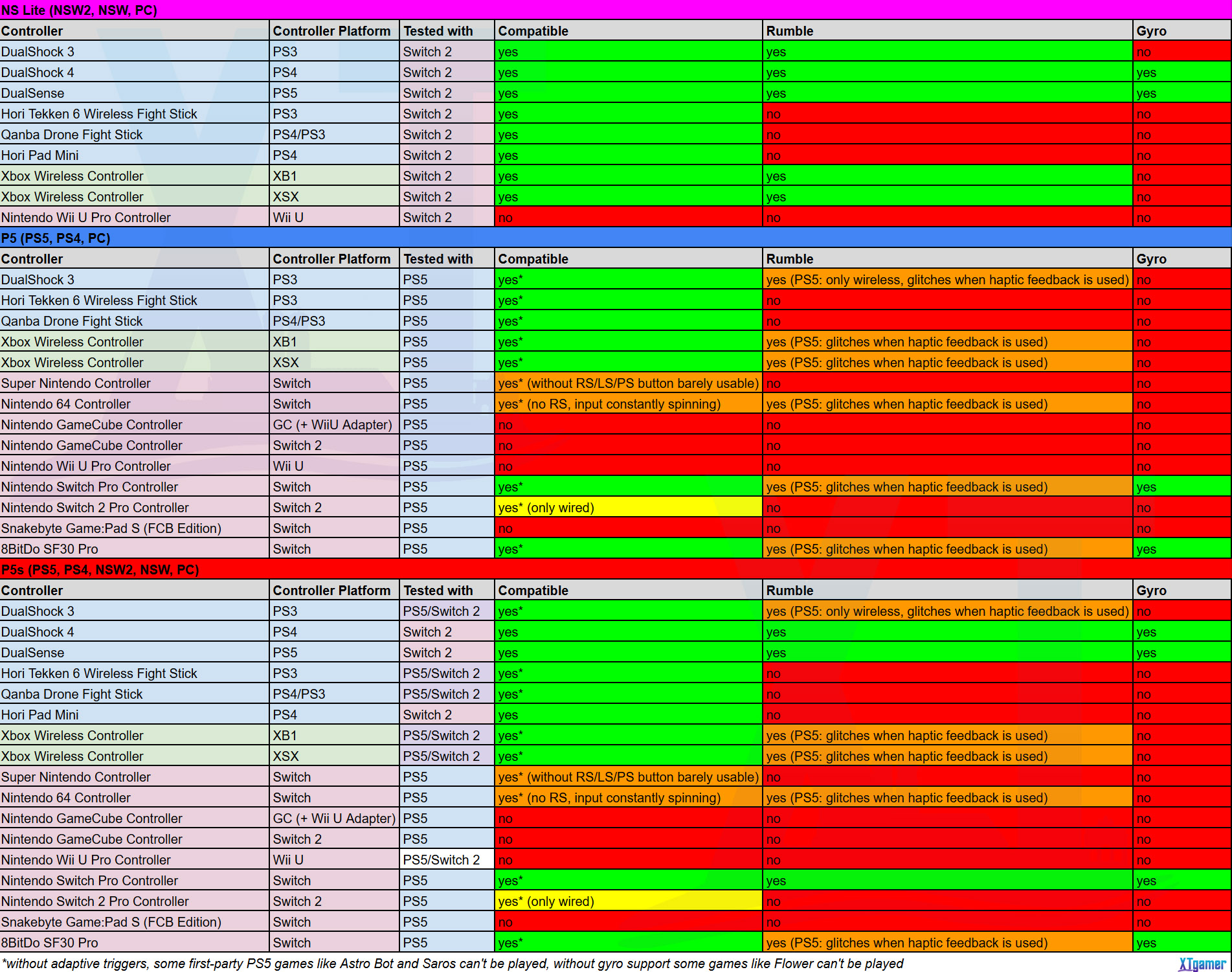
 As indicated on the packaging and website, Brook emphasizes that arcade sticks—in addition to conventional controllers—are compatible with its Wingman series. So, we tested the Hori Tekken 6 Wireless Fight Stick (PS3) and the Qanba Drone Fight Stick (PS4/PS3) on PS5 and Switch 2 with the NS Lite, P5 and P5s adapters. While the Qanba Drone Fight Stick was already compatible with PS5 out-of-the-box, the P5(s) adapters now allow us to use it with other games as well. In a fit of madness, Francesco gave it a go with Wuthering Waves. Although it takes some getting used to, you’re sort of able to play this gacha game, though changing characters during battles can be quite tedious depending on the way your arcade stick handles the D-pad. You’re also able to use the stick for more traditional titles like Smash on Switch 2. Hori’s Tekken 6 Wireless Fight Stick is also fully supported by both consoles, so there’s no reason not to use the adapters with Street Fighter 6 or with the upcoming Virtua Fighter Crossroads. If you want to know exactly which controller is supported by which adapter, feel free to check out the table Francesco and I put together for you below (find the official compatibility lists on the Brook website).
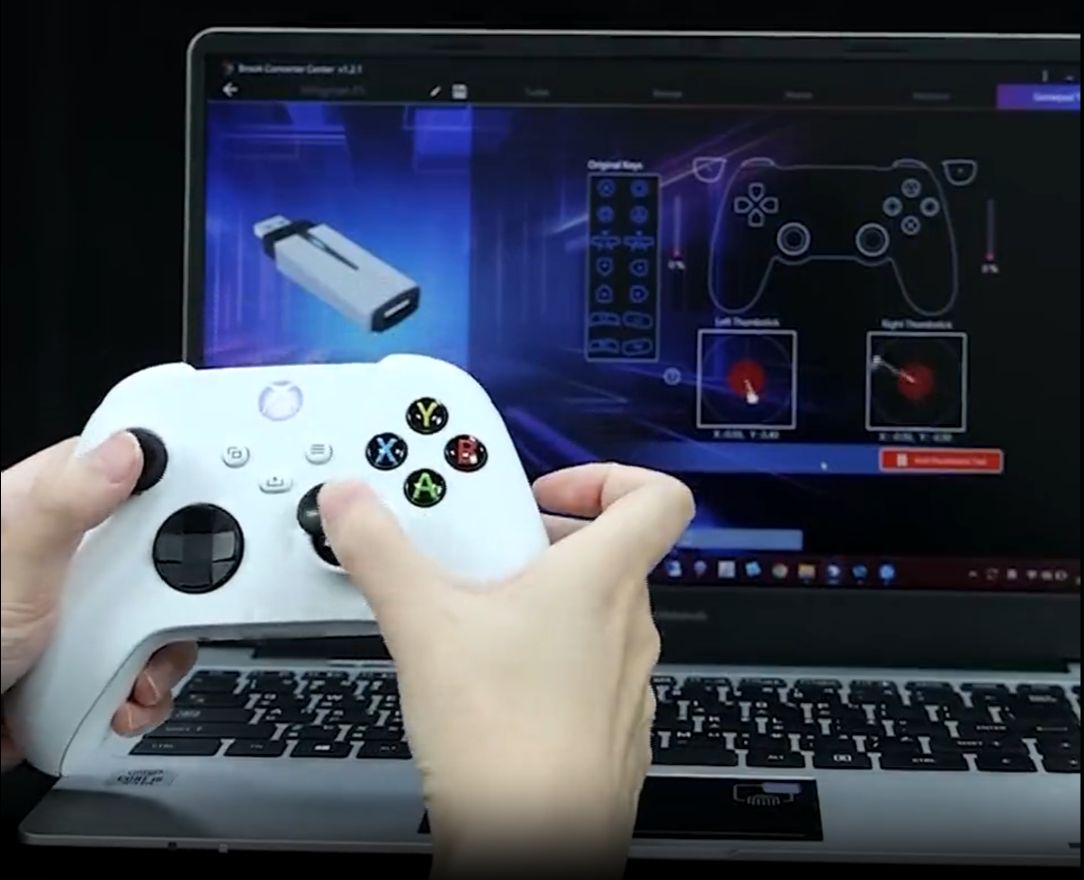
Furthermore, all three adapters now support macros, they allow you to save multiple button remapping configurations (you can also do this on-the-fly via button combos) and use 5-level turbo settings. You can manage all of this via the Brook Converter Center on your PC. Aside from the aforementioned USB adapter cable and two Brook logo stickers featuring the brand’s iconic lizard, the adapters only come with a quick-start guide containing a QR code that leads to the digital manual explaining you all of these new functions in detail. Updating the firmware is fast and easy via a website without the need to download any software. However, getting the adapters up and running with the Converter Center can take quite a bit of time. It’s not possible to make use of the 3.5mm headset jack of your Nintendo Switch 2 Pro Controller, Xbox and PlayStation controller with one of these Wingman adapters.
Final Thoughts
The current models in the Brook Wingman Converter series allow us to pair almost any controller with any console. However, we encountered significant issues that prevent us from recommending them wholeheartedly. Want to use your PS3 or PS4 arcade stick on PS5 or Switch 2? No problem, just pick up the NS Lite or the P5(s). The Nintendo Switch (2) Pro Controller is too small for you and you prefer playing with your DualSense or Xbox controller or you want to avoid buying additional controllers for local Mario Kart World tournaments? In these cases, we can wholeheartedly recommend the NS Lite.
If getting the P5(s) is worth your while, depends on a few factors, as you currently may encounter major issues with native PS5 games—specifically with the flawed simulation of haptic feedback and, above all, the utter lack of adaptive trigger support. You might also face problems with PS4 titles like Flower due to the lack of gyroscope support of most controllers (only the Switch 1 Pro Controller and the 8BitDo SF30 Pro supported gyro on PS5 in our testing). Roaming the significantly enhanced streets of Los Santos in GTA V on PS5 Pro with ray-traced reflections with a DualShock 3 may give you throwback vibes, but from the moment you jump out of a car the controller vibrates incessantly. The real deal-breaker is that some games—like Saros—are just unplayable due to the missing alternate fire mode, while in Astro Bot, you’ll find yourself unable to attack enemies in its Dude Raiding level.
Brook’s Wingman converters don’t yet offer total controller freedom—not least because there’s still no single adapter supporting PlayStation, Nintendo Switch and Xbox consoles—, but the Wingman P5s is a step in the right direction. Hopefully, the adapter will make its way to Europe and issues regarding adaptive triggers, haptic feedback and GameCube controller support as well as being able to use Nintendo Switch 2 Pro Controllers wirelessly can possibly be resolved in future firmware updates. Until then, we look forward to a Triforce-like symbiosis of Xbox, PlayStation and Nintendo that allows us to play the upcoming Halo remake Campaign Evolved on PS5 using the 8BitDo SNES-style SF30 Pro controller—provided, of course, that we’re not prevented from that by the requirement of having to use adaptive triggers.
Brook provided us with the Wingman NS Lite, P5 and P5s Converter as well as promotional material for the purpose of this review.
